

DACKS sporting hub Pick and announce teams
Pick and announce teams
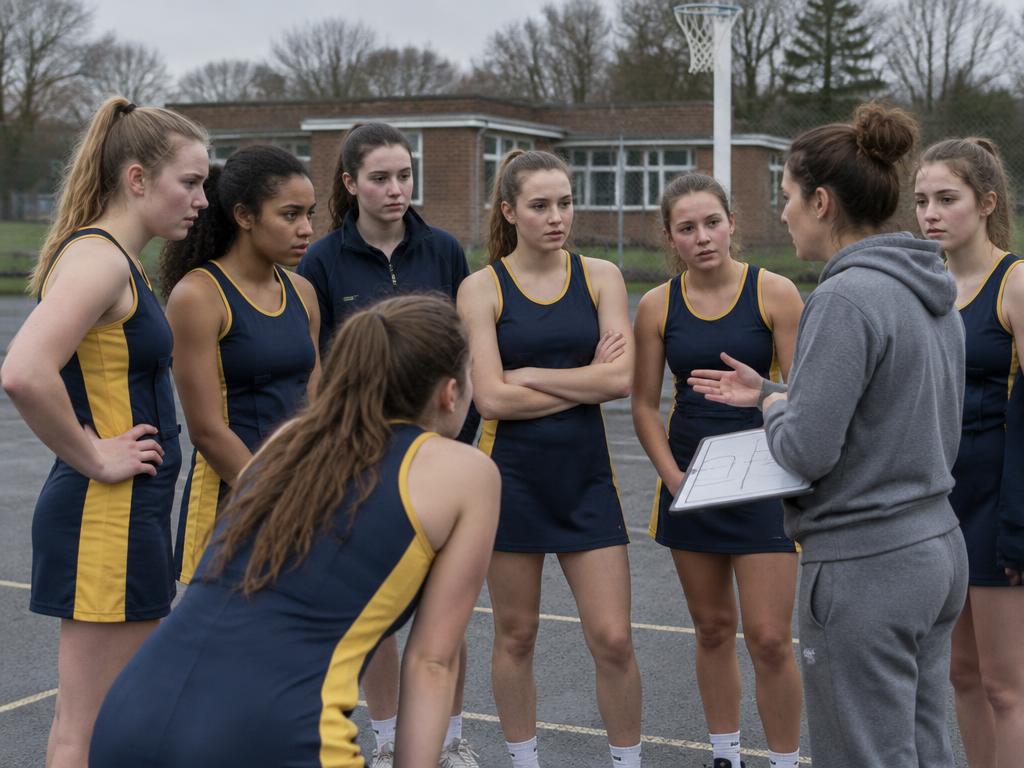
Picking a team takes thought. DACKS keeps fixture replies, medical availability and your draft squad together, so you can prepare privately and tell players when you are ready.
How it works
- 01
Collect availability
Players reply from their phone, choosing Available, Unavailable, Late, Injured or Unsure.
- 02
Build the squad
Coaches see replies alongside medical status, then place players into positions on the pitch and fill the bench.
- 03
Keep it private
The team stays a private draft until you announce it. Players cannot see a selection early.
- 04
Announce
One tap publishes the team sheet, notifies selected players and shows it on their Home screen with the countdown to kick off.
For staff
- Availability and injuries in one view
- Pitch layout with positions and bench
- Fixture countdown on Home
For players
- Reply to fixtures in a tap
- See the announced team sheet
- Kick off countdown and meeting details